No API import for RunCloud: connect the server, scan it, or start fresh.
SrvYard has no RunCloud importer. What it has is a read-only scan of a server it has connected, which recognises a RunCloud machine from its marks and shows a guide for switching the panel off. RunCloud installs its own prefixed Nginx and PHP packages rather than the stock Ubuntu ones, so plan on moving the sites to a fresh server rather than adopting them in place.
# honest status
api import    none
scan          read-only, needs a connected server
recognised    user runcloud, /RunCloud, /etc/nginx-rc
detach guide  yes (stop agent, remove its SSH key)
adopt in place partly: not tested end to end
runcloud untouched01Where this stands
| Question | Answer |
|---|---|
| Is there an import from the RunCloud API? | No. Only Laravel Forge, Ploi and VitoDeploy have one. |
| Does the scan recognise RunCloud? | Yes: it looks for the runcloud user, the /RunCloud folder, /etc/nginx-rc and RunCloud-named units, and shows the panel in the report. |
| Can I adopt a RunCloud site in place? | We have not run an adoption against a RunCloud machine end to end. The scan reads the Nginx on the server’s path, and RunCloud runs its own Nginx build (its configuration is under /etc/nginx-rc), so do not expect the report to list its sites. The docs describe adopting in place for panels other than Forge, Ploi and Vito as only partly supported. |
| What is the safe route? | A fresh SrvYard server and a deploy of each site from its repository, with DNS switched last (section 3). |
| Does the old panel change? | Never. SrvYard does not talk to RunCloud. |
02The scan, if you want to see what is there
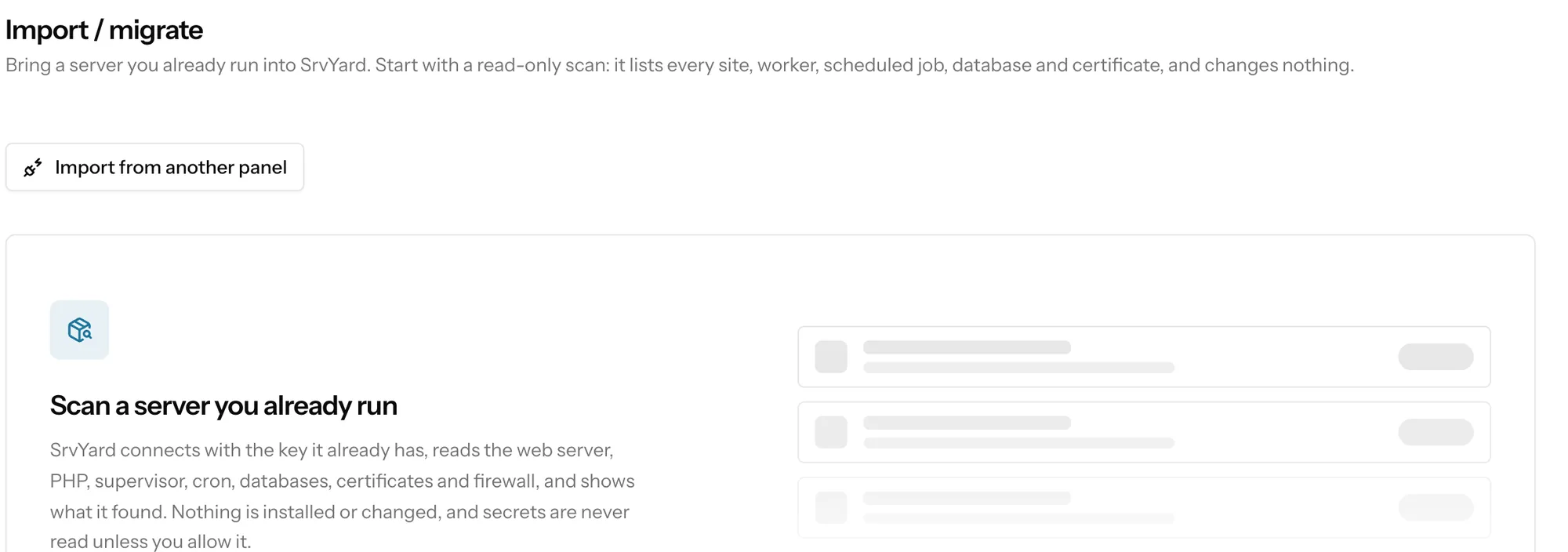
optionalConnect the server (see the note), then Import / migrate, Scan a server. The report shows the machine, its users, processes, cron lines, databases (metadata only), certificates, firewall and application folders, and names RunCloud as the panel if it finds enough marks. It is a good inventory even where it cannot adopt.
03Moving to a fresh server
steps that use ordinary SrvYard featuresWrite down what RunCloud knows
For each web app: domains, PHP version, public path, Git repository and branch, deploy script, environment variables, cron jobs, Supervisor jobs and databases. SrvYard cannot read them from RunCloud.
Create the new server
Add a server at a provider SrvYard supports, or connect a fresh Ubuntu machine.
Create each site
Connect the repository, create the site with the same PHP version and web directory, paste the environment into the editor, add the scheduled jobs and daemons, and deploy. Use a free srvy.sh address to test before any DNS change.
Move the data
Move databases and uploaded files with your own tools (a dump and a copy). SrvYard’s backups can then protect the new copy.
Switch DNS, then retire RunCloud
Change records per site once its deploy works, check certificates, and keep RunCloud running for a few days.
04What the scan reads
read-only, and you choose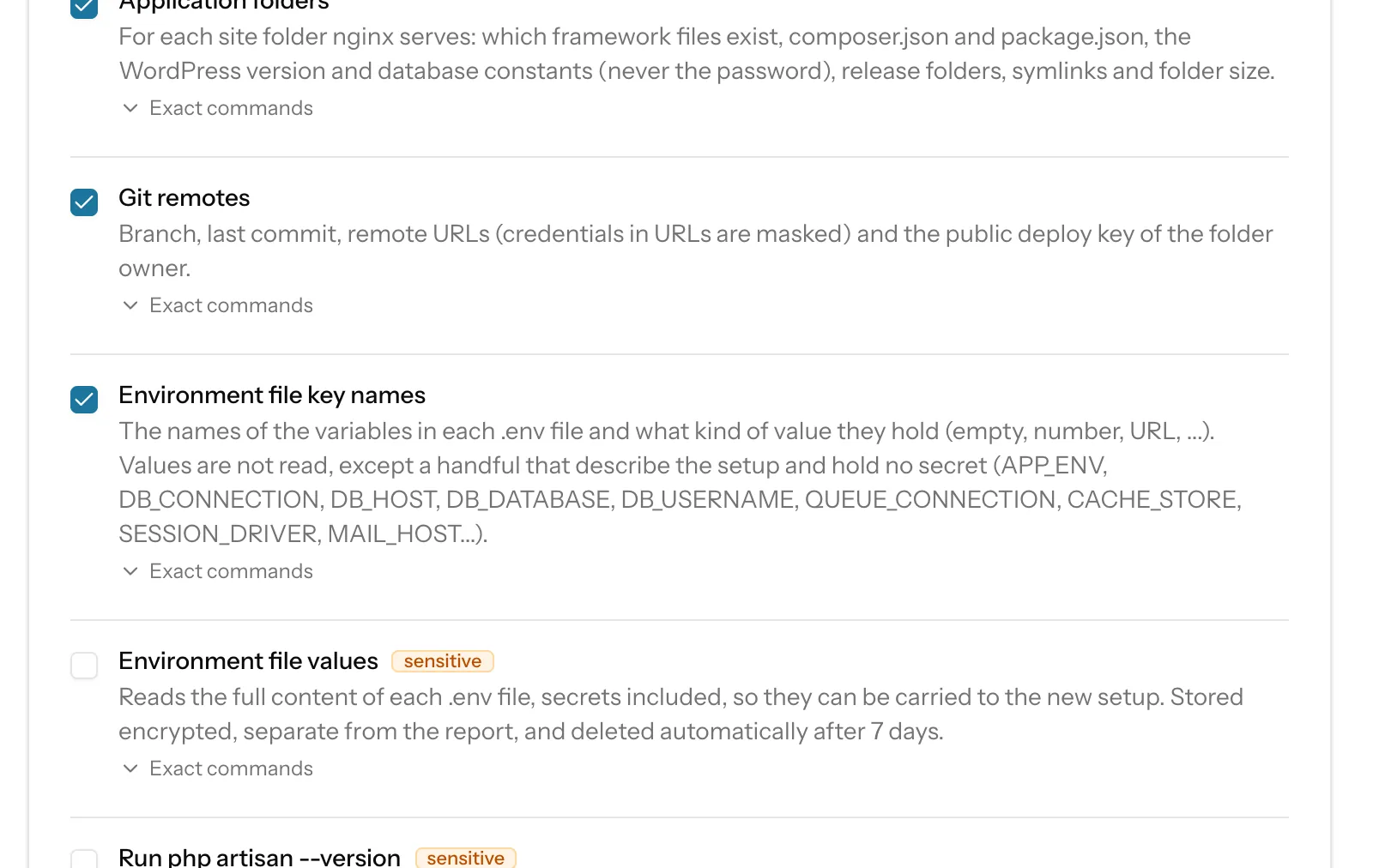
Server facts, users and SSH access, web server and PHP configuration, processes and services, background workers and scheduled jobs, databases (metadata only), TLS certificates (metadata only), the firewall, application folders and Git remotes. Each consent opens the exact commands that will run on your machine.
Private keys, database passwords and password hashes are never read. Environment file key names reads variable names only. Environment file values is off by default, stored encrypted apart from the report and deleted after seven days. Run php artisan --version runs your application’s code once per Laravel site and is also off by default.
The report is kept for 30 days and can be downloaded as redacted JSON. A scan writes nothing, touches no service and installs no package.
05Switching RunCloud off on a server you keep
a guide, never run for youFor RunCloud, SpinupWP, ServerPilot, GridPane and Cloudways the detach guide has two steps after the safety check: stop the panel’s agent and cron entries (it shows commands to find them), and remove the panel’s SSH key from authorized_keys. It tells you to keep the panel’s Nginx and PHP packages, because the sites still run on them.
Every command is for you to read and run; SrvYard never executes the guide.
Remember to delete the server in RunCloud, choosing not to delete it at the provider, and to cancel the subscription last.
06Questions
answers from the docsIs there a RunCloud import?
No. Only Laravel Forge, Ploi and VitoDeploy have an API import. For RunCloud, connect the server and scan it, or deploy the sites to a fresh server. See Adopt a site that is already on your server.
Deploy one RunCloud site to a fresh server first.
Free: 1 server, 3 sites, 100 deploys a month. Read the docs first if you prefer.