One organisation per client keeps their servers, people and connections apart.
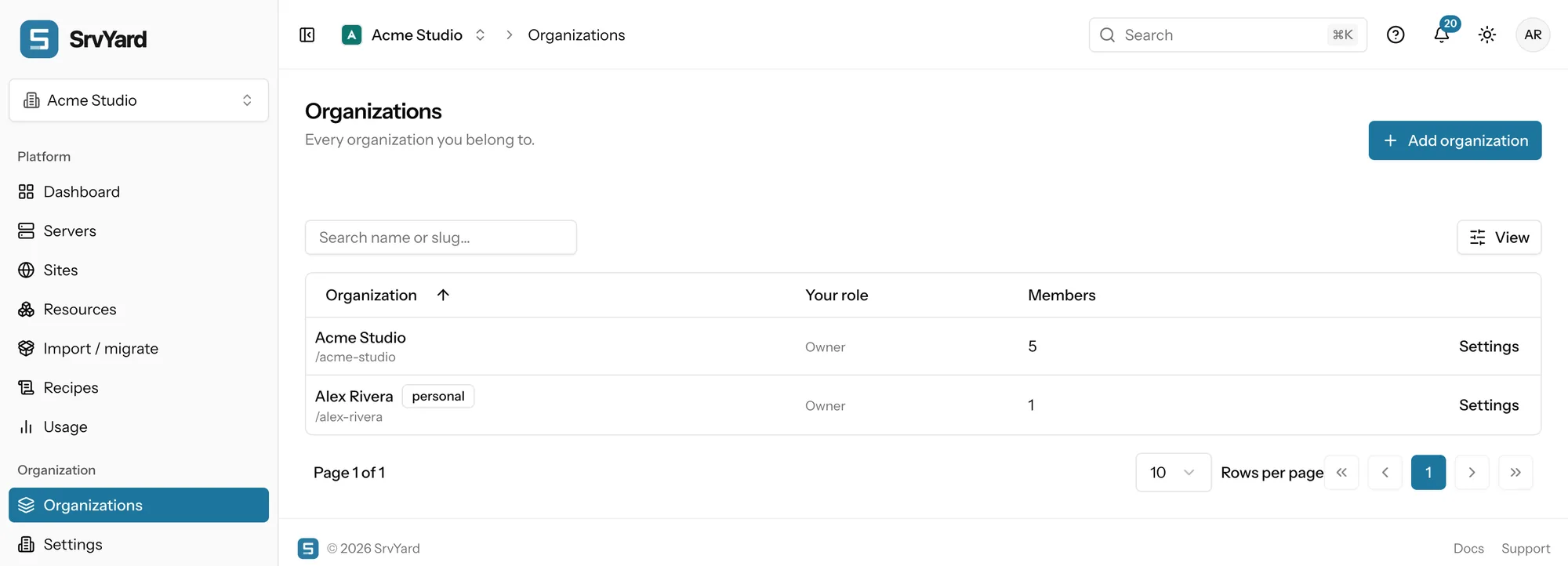
An organisation holds servers, sites, members, roles, teams, provider and Git connections, storage providers, notification channels, webhooks, API tokens and an activity log. You can own several and switch between them without signing out. Where a client only needs to see part of a shared setup, teams do that inside one organisation.
account (you)
 └─ organisation   # a handle in every address: /<handle>/servers
      ├─ members, roles and teams
      ├─ connections: server providers, source control,
      │    storage, notification channels, webhooks, tokens
      ├─ servers
      │    └─ sites
└─ plan, billing and usage # the plan of the owner01Two ways to separate clients
pick per client| An organisation per client | Teams inside one organisation | |
|---|---|---|
| Servers and sites | Belong to one organisation. A server can be transferred to another organisation you own, and its sites go with it. | Shared with a team: a whole server, or single sites without their server. |
| People | Invited per organisation, with a role in each. One account can be a member of many. | Members of a team see what the team shares and what they created, nothing else. |
| Connections | Provider accounts, Git hosts and storage buckets are connected per organisation, so a client’s own provider account stays in their organisation. | Shared by the whole organisation. |
| Notifications and tokens | Channels, webhooks, API tokens and the activity log are per organisation. | Shared by the whole organisation. |
| Availability | Every plan, up to its limit. | Business. |
Organisations you can own: Hobby 1, Pro 3, Business 10. The plan that applies to an organisation is the plan of its owner, and a new organisation counts toward the owner’s limit. A personal organisation is created at sign-up and counts like any other.
02Giving a client access
roles, not shared logins- Invite the client by email with a role. Viewer sees every server, site and sensitive value in that organisation and changes nothing. Developer works on servers and sites but cannot create new servers or see server credentials.
- Ban a member to cut access at once and keep their name in the history; remove them when nothing depends on them.
- An owner can require two-factor for everyone in the organisation.
- Changes through the API are recorded with the token’s name, and the activity feed shows who did what for 14 days.
- Custom roles, for example one that can deploy but not touch servers, are a Business feature.
Ownership of an organisation does not move by itself: to hand a client the organisation as its owner, ask support. Until then you stay the owner and the client holds a role.
03Moving a client in
and outCreate their organisation
A name is enough; SrvYard picks the handle, which you can change (the old one redirects for 30 days).
Connect what they use
Their provider account, Git host and backup storage, in their organisation. Creating servers at a provider uses the token you paste.
Bring the servers
Create new servers, connect existing Ubuntu machines with one command, or import from Ploi or VitoDeploy and adopt the sites where they are.
Invite them
Send the invitation with a role. Pending invitations expire after seven days.
Leaving
Transfer or remove the servers first; SrvYard refuses to delete an organisation that still has servers. Export your data before you delete it.
04What it does not do
so you can rule it out early- Bill your clients. SrvYard has one subscription per owner; the machines are billed by each provider to whoever owns that provider account.
- Move a single site between organisations. Servers can be transferred and bring their sites; there is no transfer for one site.
One organisation per client multiplies the connections you maintain (each has its own provider and Git connections, channels and tokens). If the same people look after all of the servers, one organisation with teams is less to keep up.
Planning a larger setup? Describe it.
05Read more
06Agency questions
answers from the docsHow many organisations can I have?
It depends on the plan of the owner: Hobby 1, Pro 3 and Business 10. A personal organisation is created at sign-up and counts like any other. See Create, rename and switch organizations.
Can a client have their own members and their own provider account?
Yes, in their own organisation. Members, roles, teams, provider accounts, Git hosts, storage providers, notification channels, webhooks and API tokens are all per organisation. See Organisations, servers and sites: how they fit together.
Can I move a server to another organisation?
Yes, to another organisation you own. Its sites move with it; there is no transfer for a single site. See Rename, resize, delete or forget a server.
Can a client become the owner of their organisation?
Not by themselves. Ownership does not move through the Members page; ask support. Until then you are the owner and the client holds a role such as Viewer or Developer. See Choose and create roles for your team.
Does SrvYard bill my clients?
No. There is one subscription per owner, and the servers are billed by each provider to whoever owns that provider account. See Compare plans and know your limits.
Create an organisation for one client and invite them with a role.
Free: 1 server, 3 sites, 100 deploys a month. Read the docs first if you prefer.